


Guide
How much advertising space does an umbrella offer?
Here you can find out how the umbrella canopy is divided into panels, what printing areas are available, and where your logo will make the biggest impact.
✓ Approval via printing proof ✓ Panels, handle & other advertising spaces ✓ Experience dating back to 1955
The advertising spaces on the umbrella at a glance
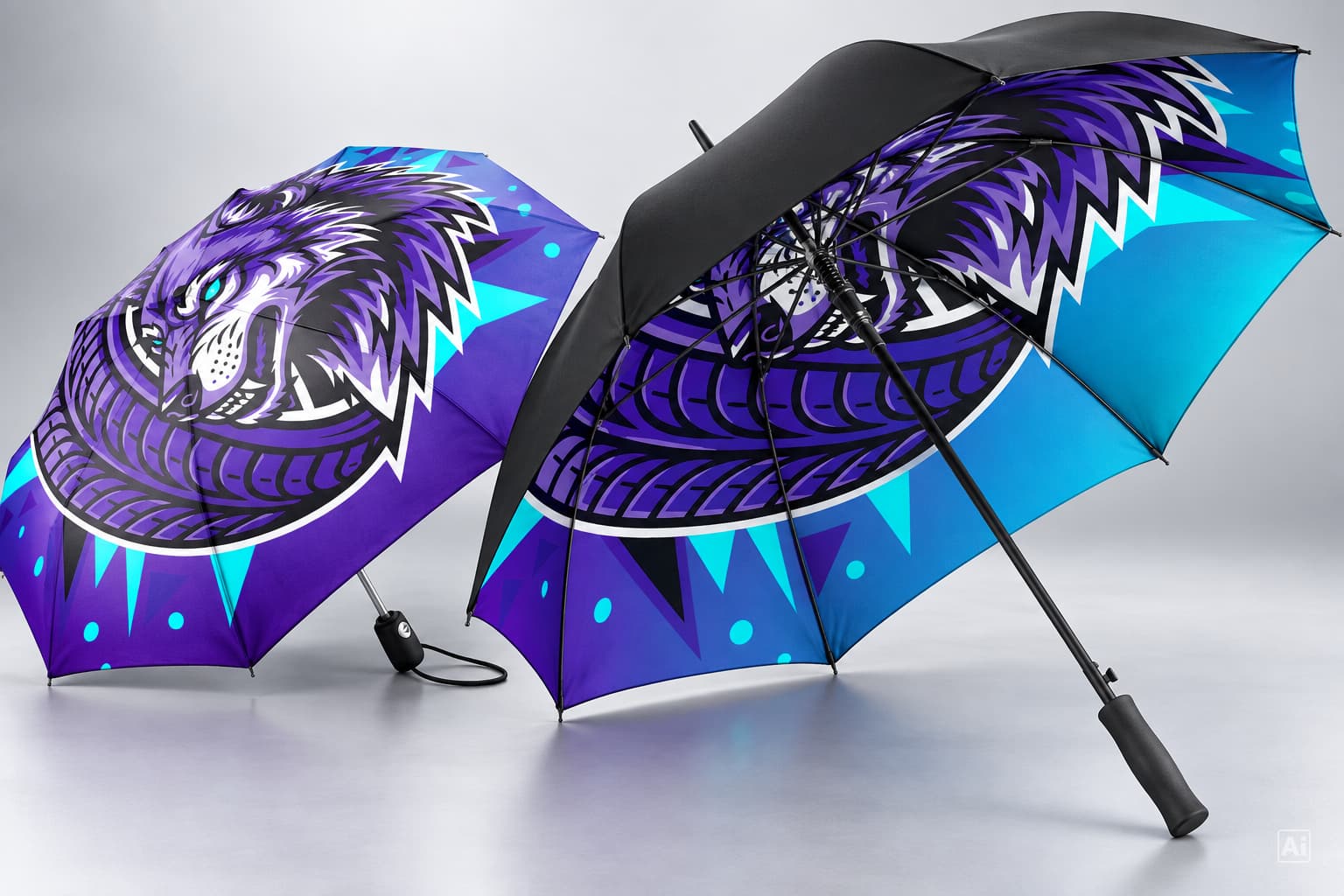
The cover is the largest surface area. It consists of individual panels – eight in most FARE models. Each panel has its own print area. Smaller advertising spaces are located on the handle, the Top, the closing strap and the sleeve.
- Panels – visible whenever the umbrella is used in the rain
- Handle & top – high-quality details in the handle and at the top of the umbrella
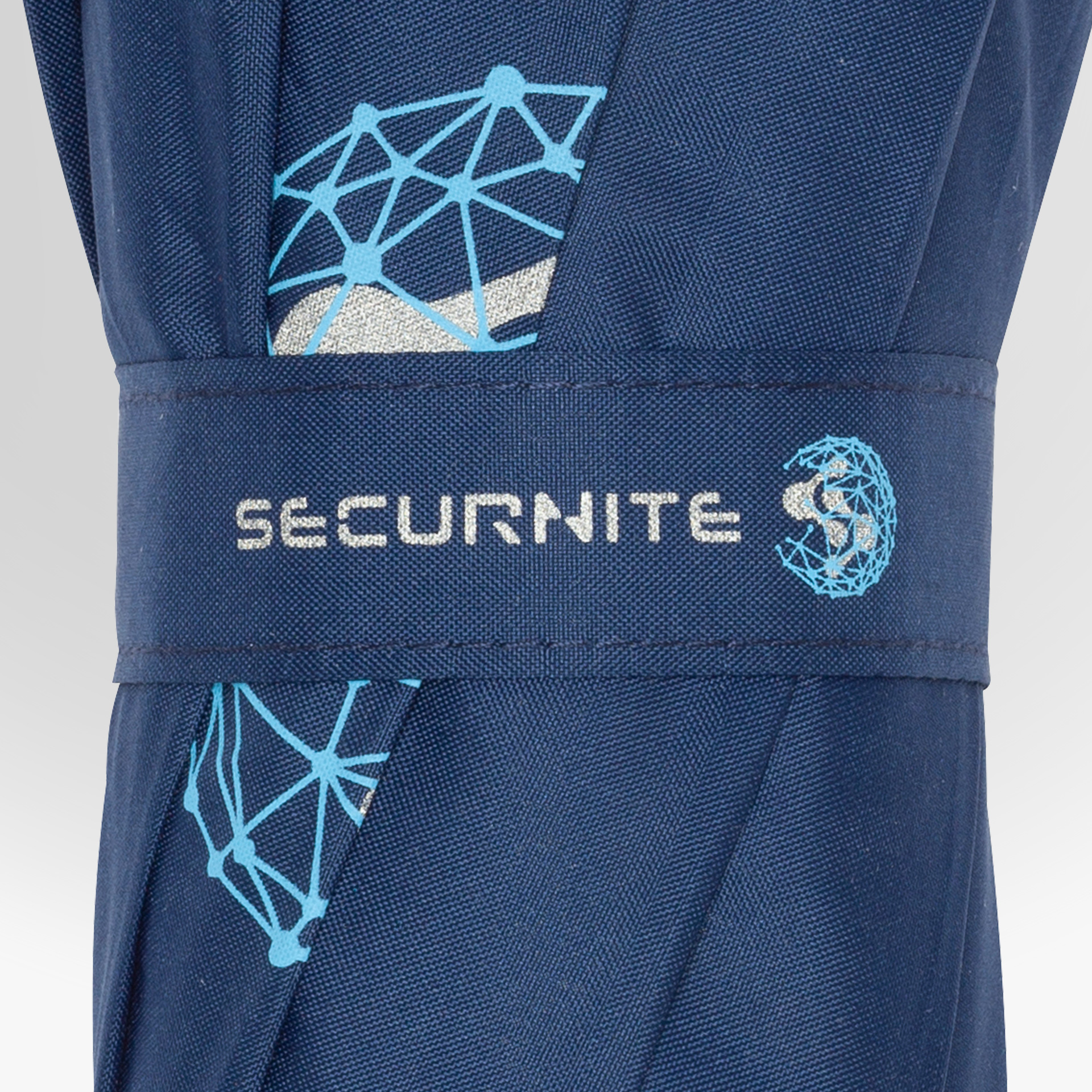
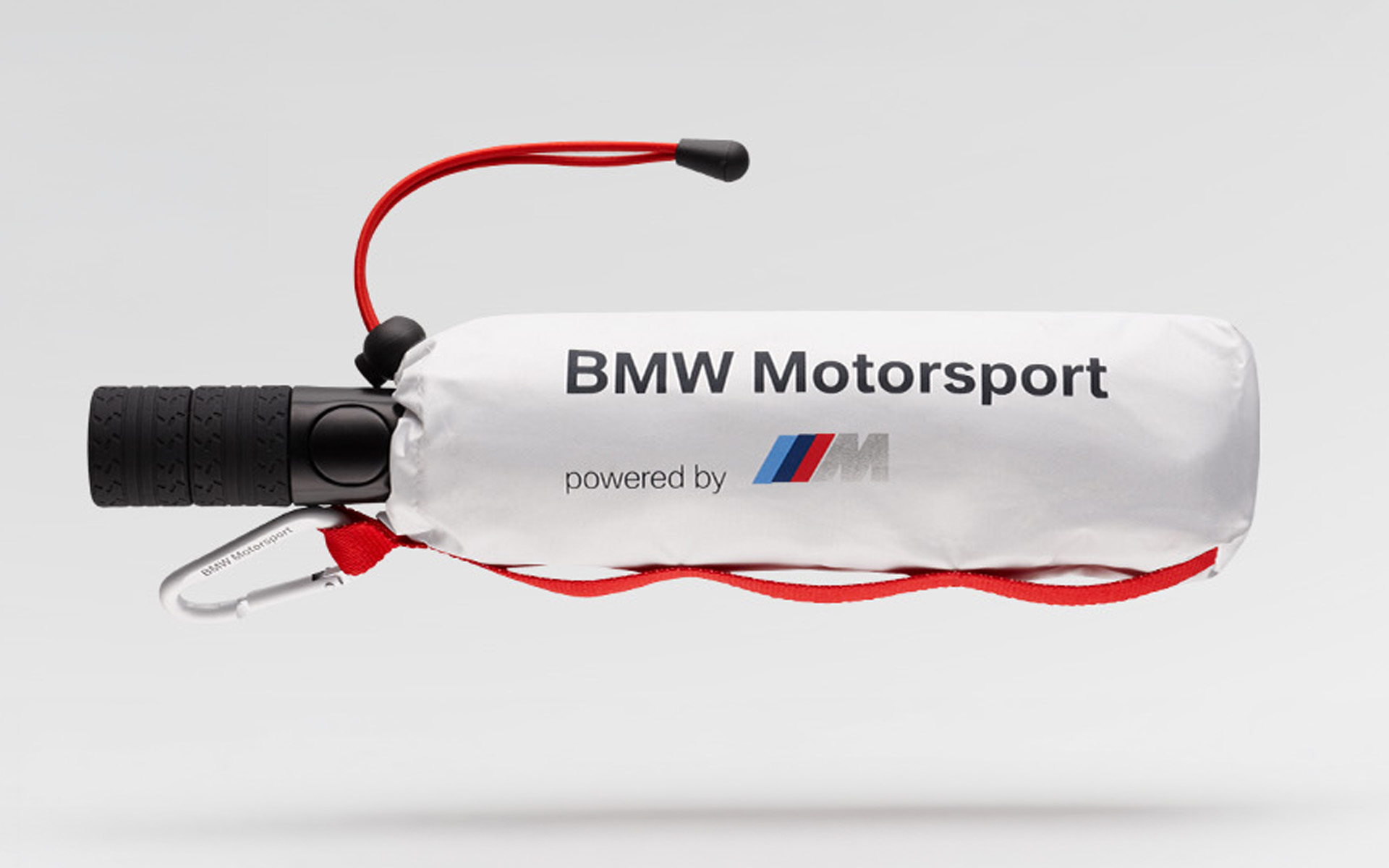
- Closing strap & sleeve – clearly visible when the umbrella is closed
Discover the details
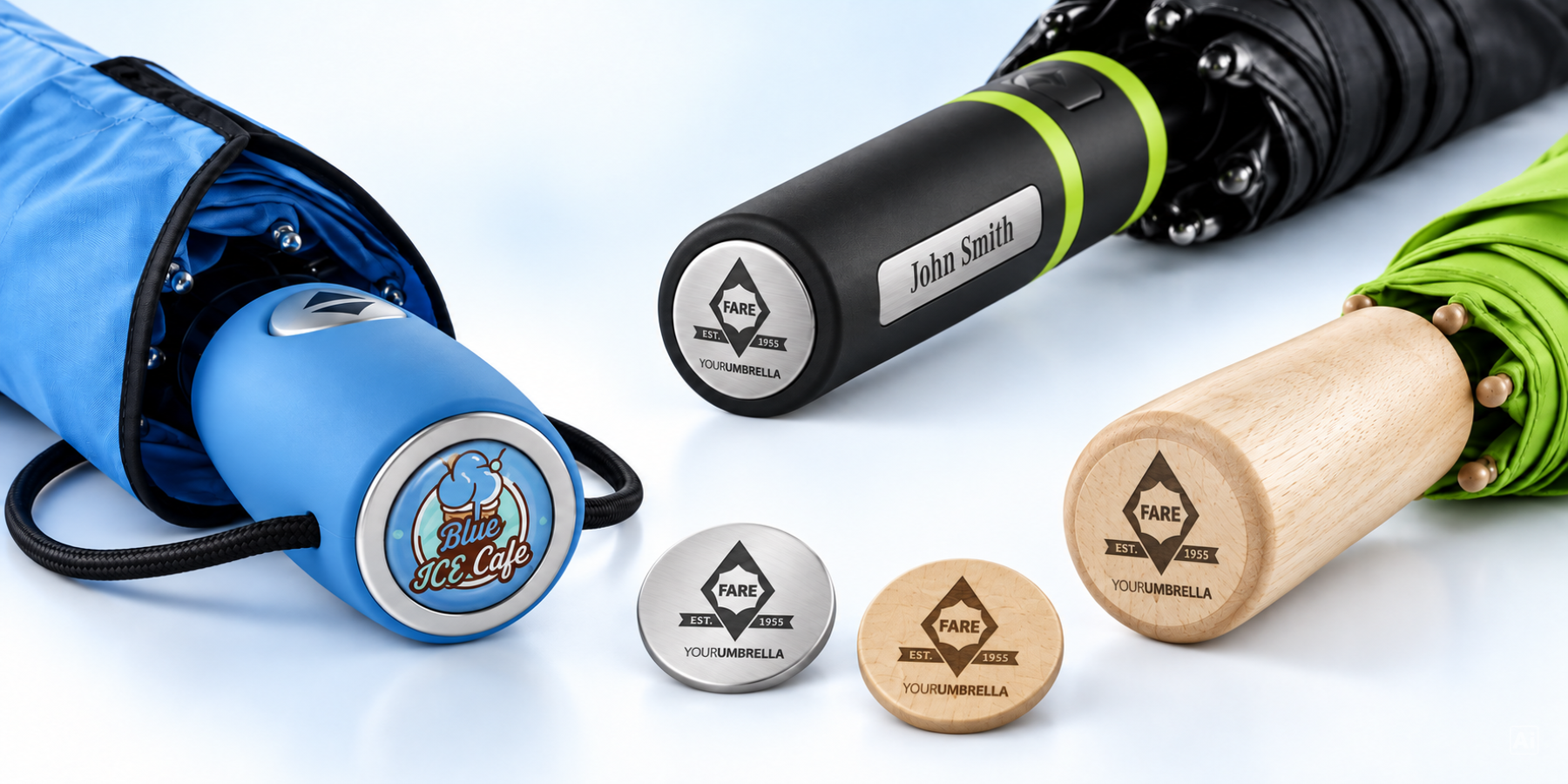
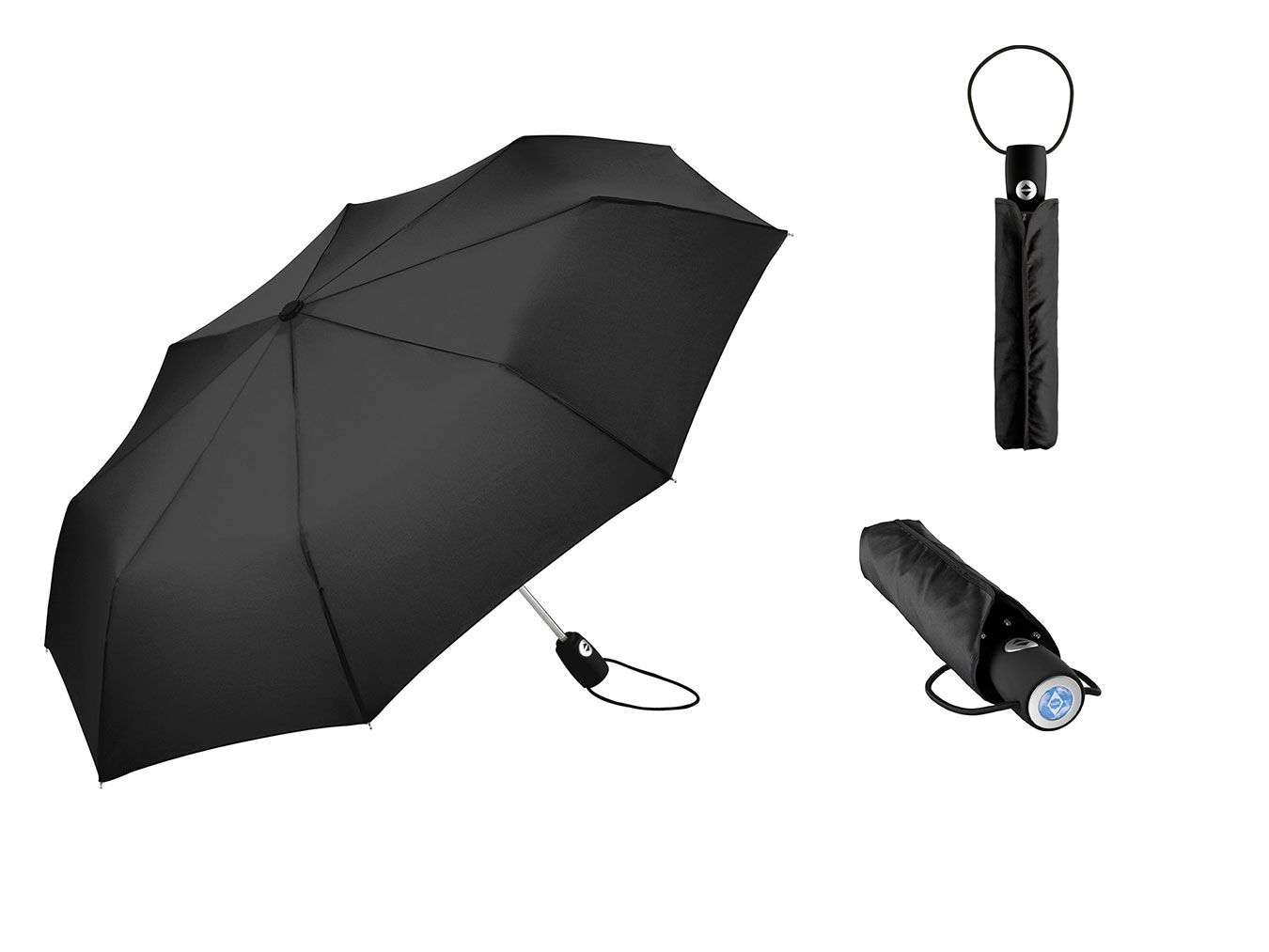 1PanelsEach panel can be printed individually.2SleeveYour logo is visible even when the umbrella is closed.3HandleDoming, wood and laser stickers are a discreet form of promotional labelling.
Panels: the largest advertising space on the umbrella
Umbrellas usually consist of six to eight panels. Some models have ten – such as the ALU light10 Colori midsize umbrella. Each panel is a triangle between two ribs. The fabric within it is trapezium-shaped: narrow at the top and wider towards the hem.
You decide how many panels your logo will have. Different designs for each panel are also possible.




How much canopy area does each umbrella provide?
The larger the diameter, the larger each panel – and the larger your logo. The table shows approximate figures from the FARE range.
| Diameter | Panels | Canopy area in m² | |
|---|---|---|---|
| Mini pocket umbrella | 88-97 cm | 6 or 8 | approx. 0.6–0.7 m² |
| Pocket umbrella | 98-117 cm | 8 or 10 | approx. 0.75–1.1 m² |
| Regular umbrella | 100-115 cm | 8 | approx. 0.8–1.0 m² |
| Golf umbrella | 120-180 cm | 8 | approx. 1.1–1.5 m² |
All figures approximate, deviations of ±1 cm possible.
More advertising space for your brand
Small spaces with a big impact: they promote your brand even when the umbrella is closed.
5 steps to your promotional umbrella
Choose a umbrella
Select the model and colour of the umbrella.
Select promotional labelling
You specify the area(s) for your logo.
Upload logo
Upload your chosen design directly.
Select a printing technology
Choose the appropriate printing process.
Order
You can now complete your order.
Frequently Asked Questions
How many panels does an umbrella have?
Usually six to eight. Most FARE umbrellas have eight panels. Lightweight mini pocket umbrellas such as the FARE® FiligRain ToGo have six.
How big can my logo be on a panel?
That depends on the umbrella model. The printing proof for the product specifies the maximum print area as a trapezium and its exact position. Larger umbrellas have larger panels.
Can all panels be printed on?
Yes. You can choose one, several or all panels – with the same logo or different designs. Allover digital printing using FARE® Allover Xpress is ideal for full-length design.
What is a printing proof?
The printing proof is your print template. It shows each advertising space, including its position, size and print colours. Production will only begin once you have approved it.
Which printing method is best suited to my logo?
Screen printing is ideal for logos with just a few solid colours. Digital printing is best for photographs, gradients and full-surface designs. You can find a comparison in our guide ‘Screen printing or digital printing’.
You might also be interested in this

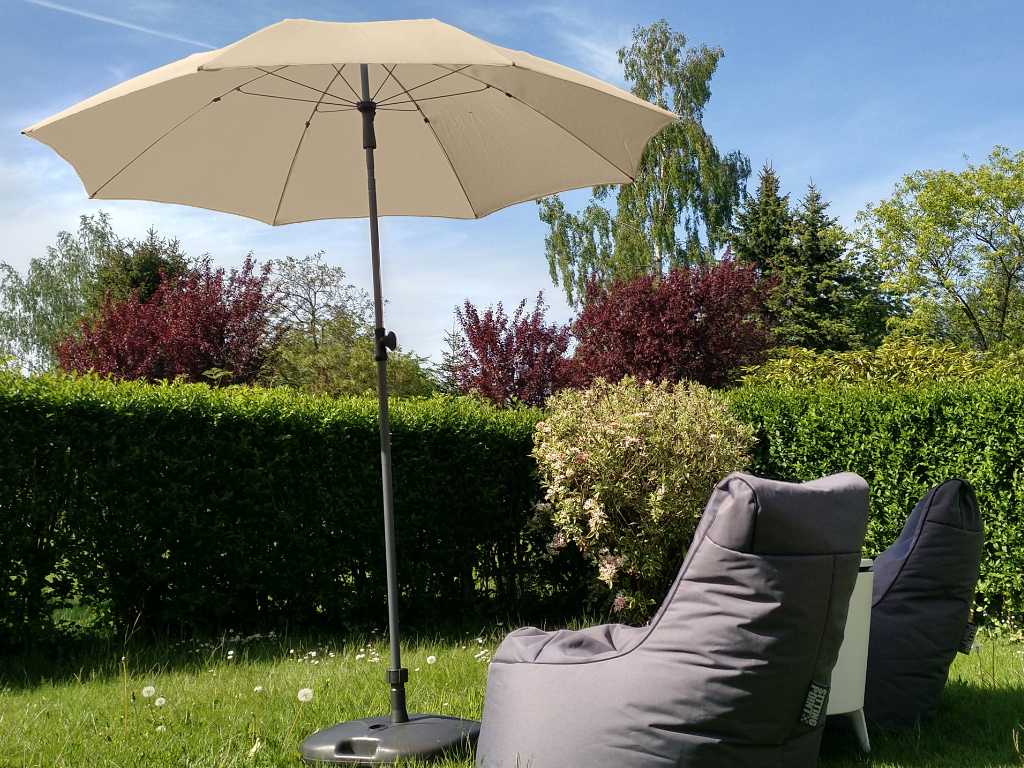
Which parasol is right for you?
An overview of size, shape and colour.
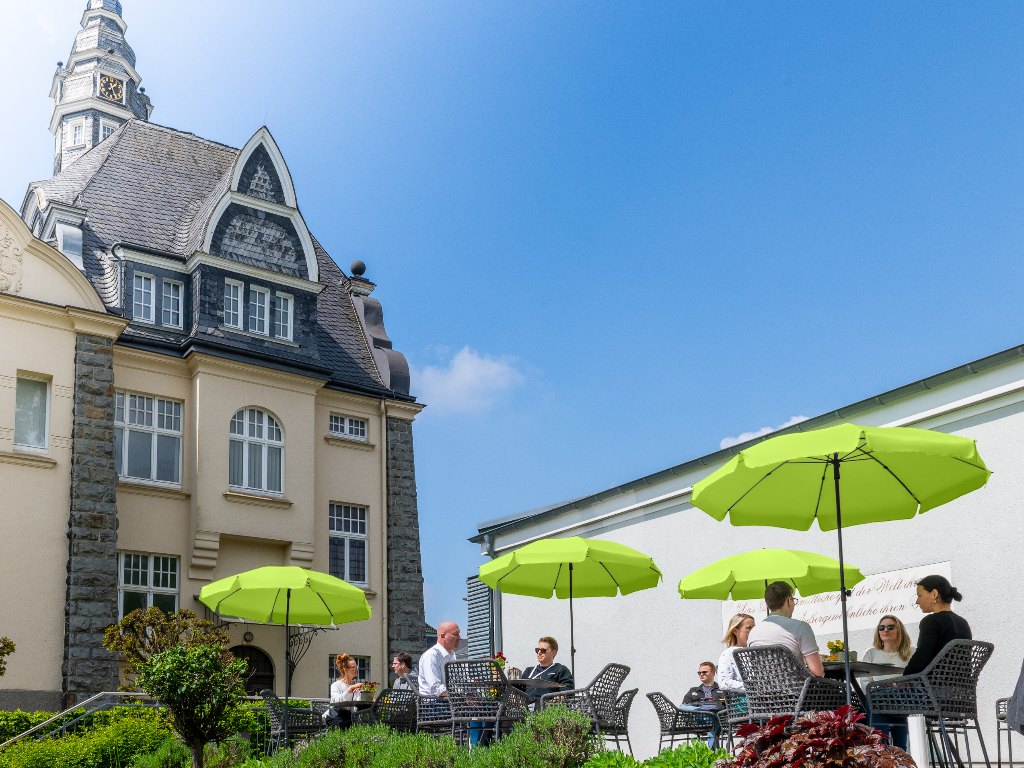
A dark or light-coloured parasol?
A direct comparison.
Caring for umbrellas and parasols
Cleaning, drying, removing stains.
Do you need help choosing an advertising space?
Our team will be happy to advise you – in person and with no obligation.